ggsave("figure.pdf",
       plot = forest$plot,
device = cairo_pdf)12 Row labels issues
12.1 PDF output
If a forest plot is saved to a PDF file, the row labels may not be formatted correctly (e.g. bold labels do not appear bold). The row labels are a marquee::element_marquee() element.
To fix this, save to PDF using the cairo_pdf device. (On macOS this requires the xquartz software to be installed.)
Alternatively, the ggtext package can be used instead for the row labels by setting the row.labels.element argument.
forest_plot(...,
            row.labels.element = "ggtext::element_markdown")
12.2 Row labels heading position
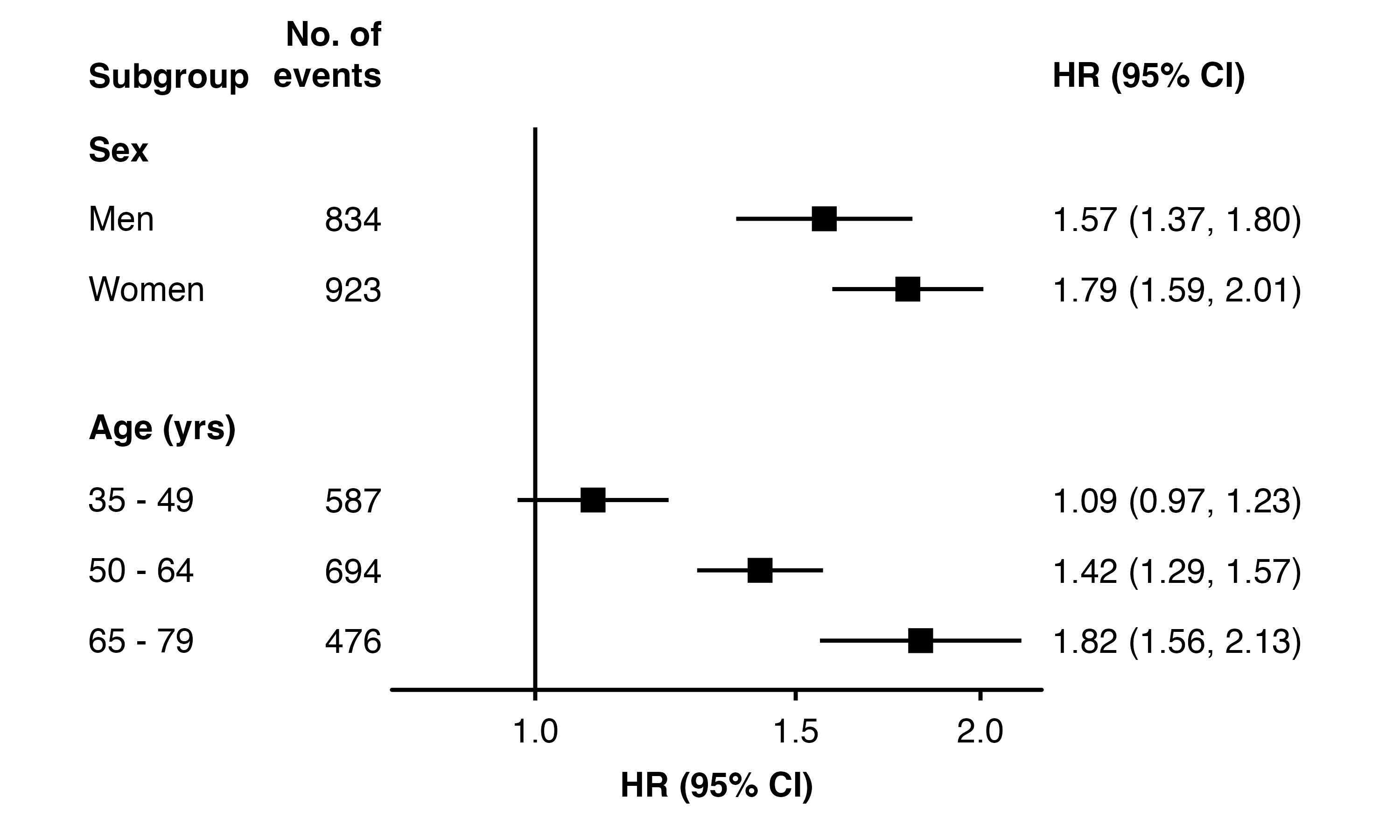
The row labels heading added using the row.labels.heading argument is not correctly vertically aligned with column headings. This is because the row labels are vertically justified to the middle with colum heading are justified at the bottom.
forest_plot(my_results,
            col.key            = "subgroup",
            row.labels         = row_labels,
            row.labels.heading = "Subgroup",
            col.left           = "n",
            left.heading       = "No. of\nevents",
            plot.margin        = margin(4, 8, 2, 8, "mm"))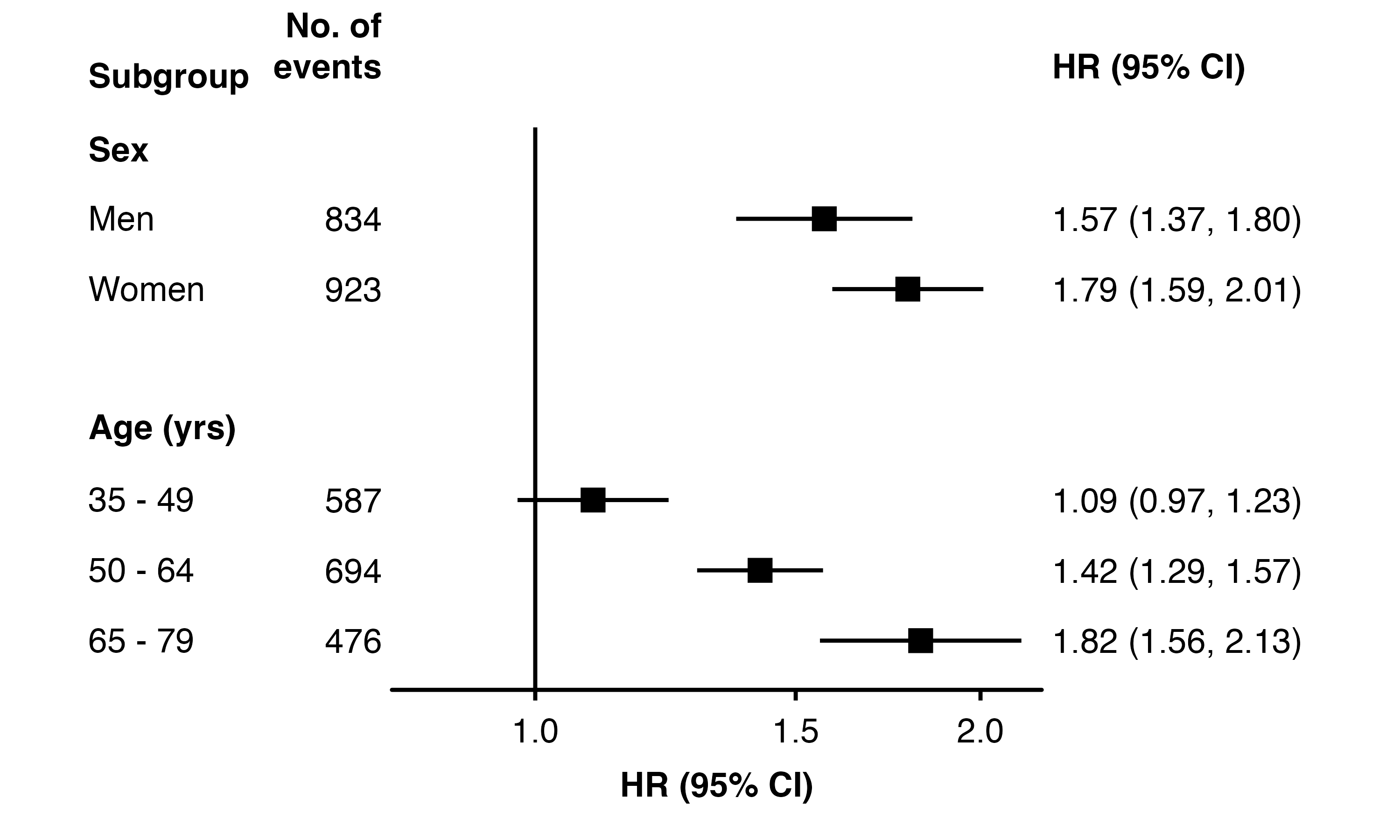
This can be fixed manually by using addarg to add nudge_y or move_y arguments to the column headings. This will require manual adjustment after any changes that affect the plot’s layout.
forest_plot(my_results,
            col.key            = "subgroup",
            row.labels         = row_labels,
            row.labels.heading = "Subgroup",
            col.left           = "n",
            left.heading       = "No. of\nevents",
            plot.margin        = margin(4, 8, 2, 8, "mm"),
            addarg = list(heading.left  = "nudge_y = -0.12",
                          heading.right = "nudge_y = -0.12"))