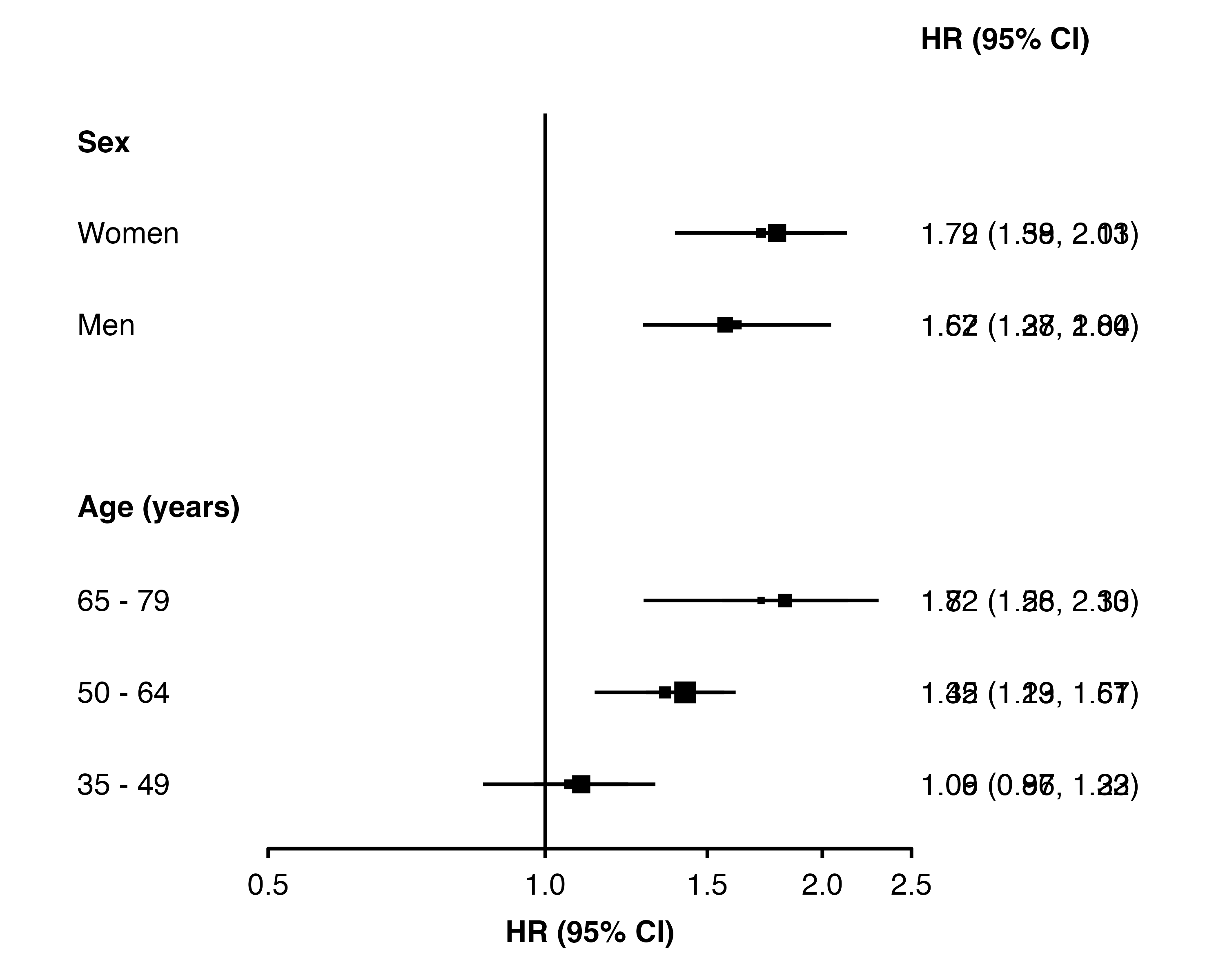
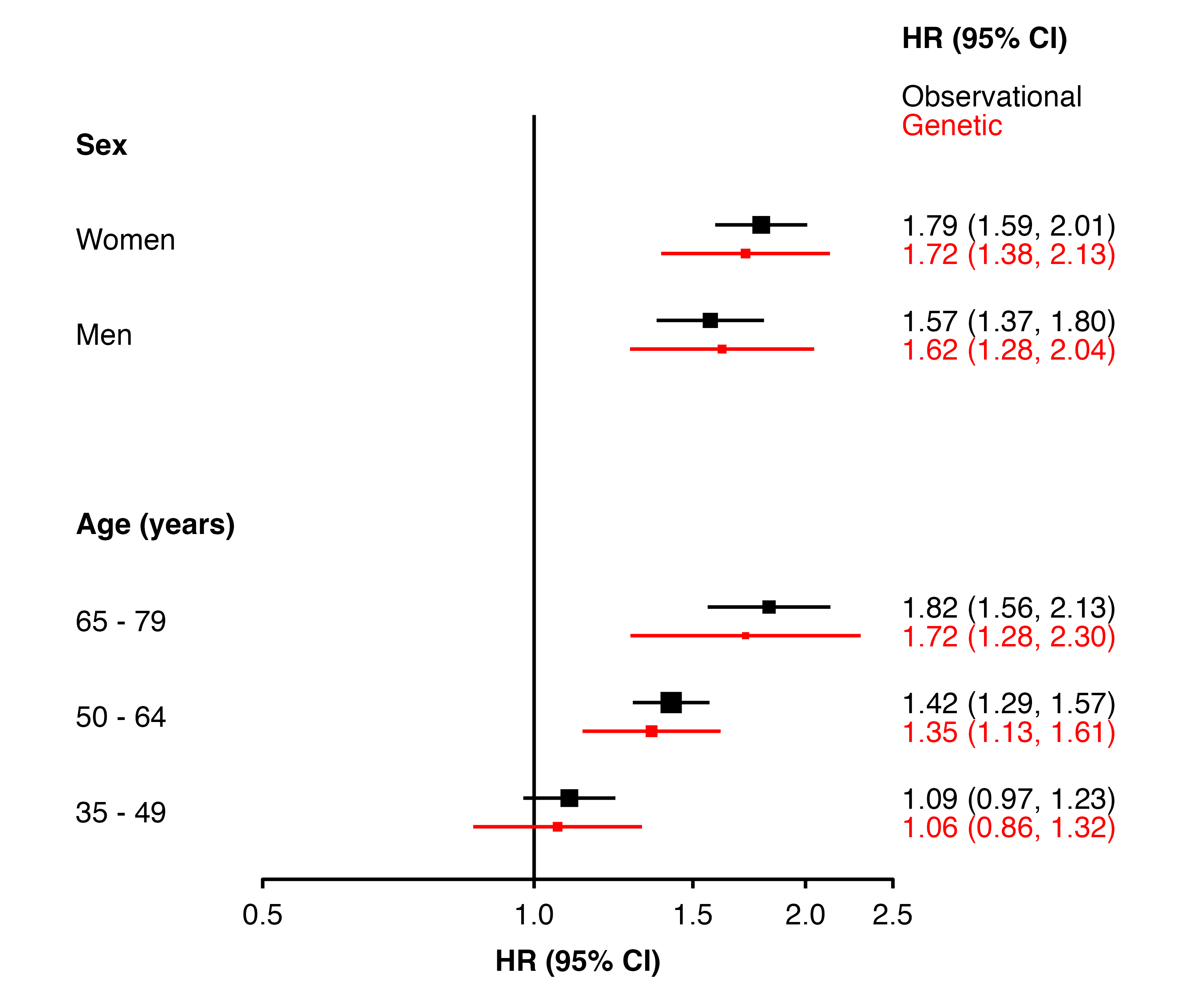
my_resultsAB <- data.frame(
  analysis = factor(c(rep("Observational", 5), rep("Genetic", 5)),
                    levels = c("Observational", "Genetic")),
  subgroup = c("men", "women", "35_49", "50_64", "65_79",
               "men", "women", "35_49", "50_64", "65_79"),
  est      = c( 0.45, 0.58, 0.09, 0.35, 0.6,
                0.48, 0.54, 0.06, 0.3, 0.54),
  se       = c(0.07, 0.06, 0.06, 0.05, 0.08,
               0.12, 0.11, 0.11, 0.09, 0.15),
  n        = c(593, 640, 318, 552, 363,
               NA, NA, NA, NA, NA)
)

row_labels <- data.frame(
  subgroup = c("women", "men",
               "65_79", "50_64", "35_49"),
  group    = c("Sex", "Sex",
               "Age (years)", "Age (years)", "Age (years)"),
  label    = c("Women", "Men",
               "65 - 79", "50 - 64", "35 - 49")
)

forest_plot(my_resultsAB,
            col.key    = "subgroup",
            row.labels = row_labels,
            scalepoints   = TRUE)